






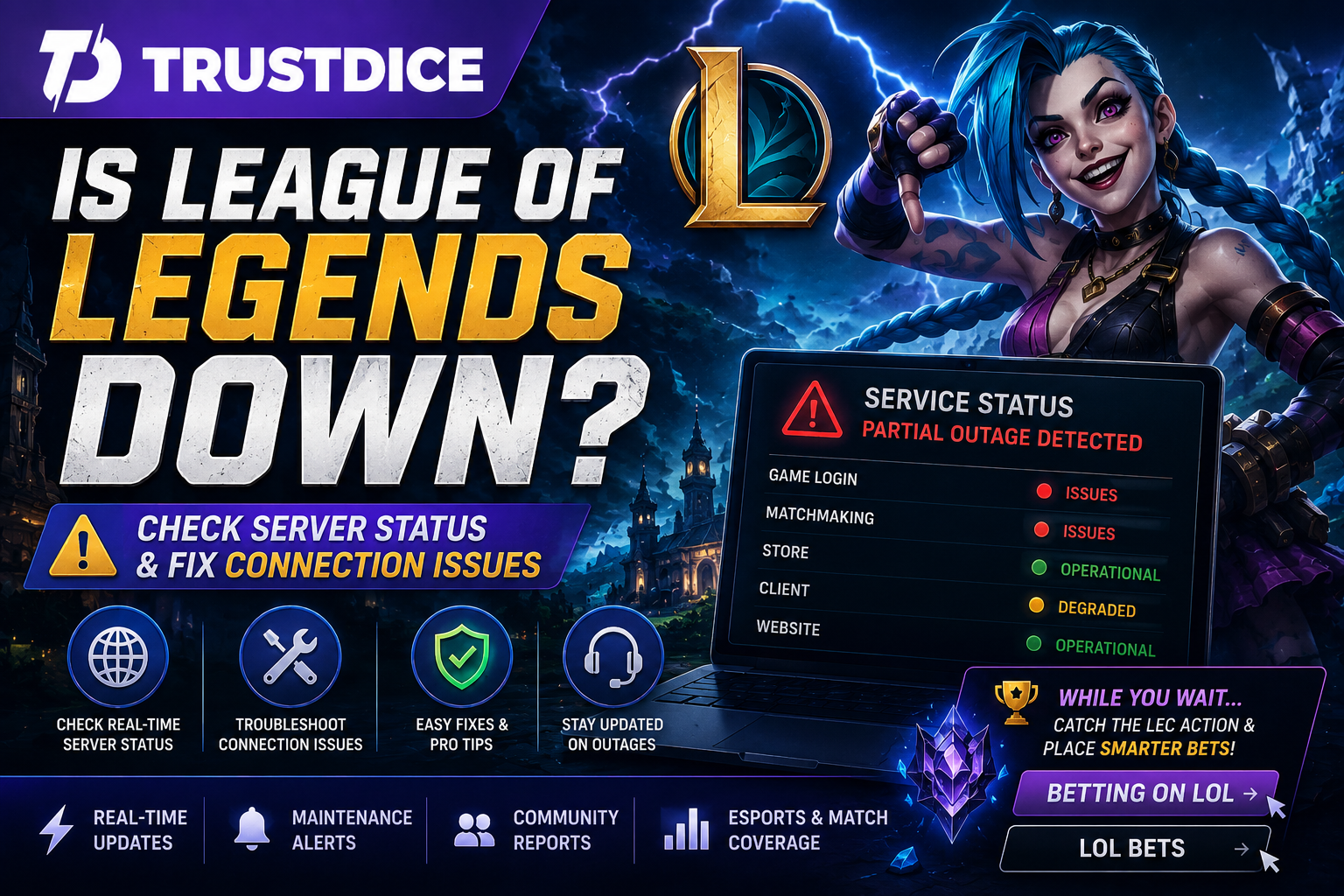
Few things are more frustrating than preparing for a ranked grind, only to be greeted by login errors, matchmaking failures, or a spinning Riot Client. When that happens, the first question most players ask is: is league of legends down?
Not every connection problem means Riot's infrastructure is offline. Your issue could stem from scheduled maintenance, regional outages, ISP routing, or local configuration errors. This guide explains how to determine whether League of Legends is actually down and how to troubleshoot common problems.
How to Tell If League of Legends Is Down
Before assuming a widespread outage, look for these common system behaviors:
- Inability to authenticate or log into the Riot Client.
- Matchmaking queues being temporarily disabled or grayed out.
- The friends list failing to load or status indicators staying blank.
- Champion Select freezing or crashing before the loading screen.
- Error codes (like Error 43) popping up during login attempts.
🎯 Quick Check: If both the Riot Client launcher and the official League website experience secure connection errors simultaneously, the issue is almost certainly on Riot's infrastructure side.
Official Ways to Check League Server Status
The fastest way to confirm whether League services are universally unavailable is through official channels:
- Riot Games Service Status Page: The premier source for official maintenance timelines and emergency outage logs tracker by region.
- Riot Support X (Twitter): Where community managers share real-time updates regarding unexpected infrastructure strain.
- DownDetector & Reddit: Excellent third-party communities to check if thousands of players are reporting localized outages concurrently.
⚠️ Historical Blunder: On January 4, 2026, a massive worldwide login outage occurred because Riot simply forgot to renew an internal SSL security certificate issued back in 2016! Clever players discovered a temporary workaround by literally backdating their PC system clocks to January 3rd just to bypass the secure connection block until Riot pushed a 100-year certificate fix.
How to Fix Local League Connection Problems
If official Riot channels show that servers are fully operational but you still cannot connect, the issue rests on your end. Run through these sequential troubleshooting steps to restore access:
- Force-close Riot Processes: Open Task Manager (Ctrl + Shift + Esc), terminate all instances of Riot Client and League, then relaunch as Administrator.
- Power Cycle Hardware: Unplug your router and modem for 30 seconds to flush corrupted ISP routing paths.
- Check Riot Vanguard: Right-click the Vanguard icon in your system tray, exit the anti-cheat program, and reboot your entire PC to restart the service cleanly.
- Initiate Client Repair: Open Riot Client settings, navigate to League of Legends, and select the "Repair" option to fix corrupted game files.
From Checking Server Status to Following Professional League
Interestingly, some of the biggest traffic spikes regarding whether the game is down occur during major international esports tournaments. When millions of global players log in simultaneously around regional playoffs, MSI, or Worlds, localized server bottlenecks frequently happen.
For many fans, stepping away from the daily grind of solo queue due to client stability issues doesn't mean leaving the game behind. Shifting your focus to professional play offers massive value. Observing elite teams navigate patch updates provides deep strategic insights into drafting priorities and macro map control that you can eventually implement in your own games.
If you enjoy analyzing high-level matchups, betting on lol can add an extra layer of excitement while waiting for server maintenance to conclude. Assessing recent team form, side-selection advantages, and patch adaptations allows you to utilize your structural game knowledge from an entirely new perspective.
Experienced esports enthusiasts frequently explore lol bets across versatile live markets, including match winners, map handicaps, first dragon secures, and outright tournament champions. Utilizing your analytical skills to judge professional drafts keeps you deeply connected to the competitive ecosystem without dealing with solo queue matchmaking stress.
Frequently Asked Questions
Why can't I log into the Riot Client if the game isn't down?
Local antivirus software, strict Windows Firewall permissions, or outdated network drivers can block your local launcher from securely communicating with Riot's authentication nodes.
How long does scheduled League maintenance typically last?
Standard patch deployments usually keep matchmaking services offline for roughly 2 to 4 hours, typically executing during early morning hours to minimize player impact.
Will server downtime reset my ranked promo games or MMR?
No. Your MMR, profile data, and ladder rankings are securely stored on cloud databases. If a server crash interrupts an active game, Riot usually triggers "Loss Prevented" status automatically.
Conclusion
The next time you wonder if league of legends down is causing your login errors, always consult the official Riot Service Status tracking page before modifying your local network settings. If the infrastructure is healthy, standard troubleshooting like re-initiating Vanguard or cycling your router will usually get you back on the Rift. If it is a global hardware blackout, take the opportunity to study the pro scene, review patch notes, and prepare a sharper strategy for your next competitive climb.